Proceed through checkout process until you reach the Payment page (last page before submitting the order). If there is not a saved card on file, one will need to be added before checkout.
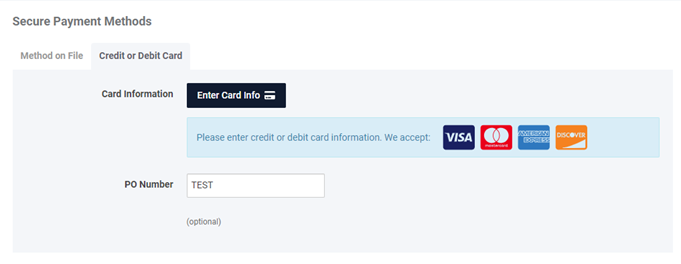
To add a new card, select Enter Card Info. For previously saved cards, you will have the option to edit, change, or add a new payment card. **Cards saved in the wallet are accessible on a per-user basis and will not be visible to other users associated with the customer account.**
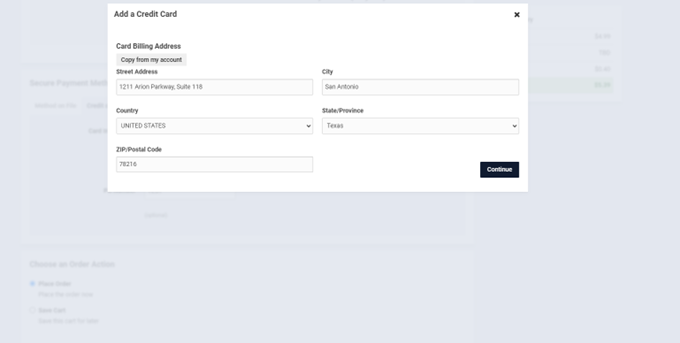

Once a payment card has been added, a security code (typically a 3-digit code found on the back of the payment card) is required to place the order. The security code must match exactly and must be provided for every order, even if the payment card is already saved in the customer wallet.
To update your credit card details (Name on Card, Expiration Date, Card Nickname), click "Edit." If you need to modify the billing address, click "Change" located below the Security Code. You may need to refresh the page to confirm the changes made to the billing address.

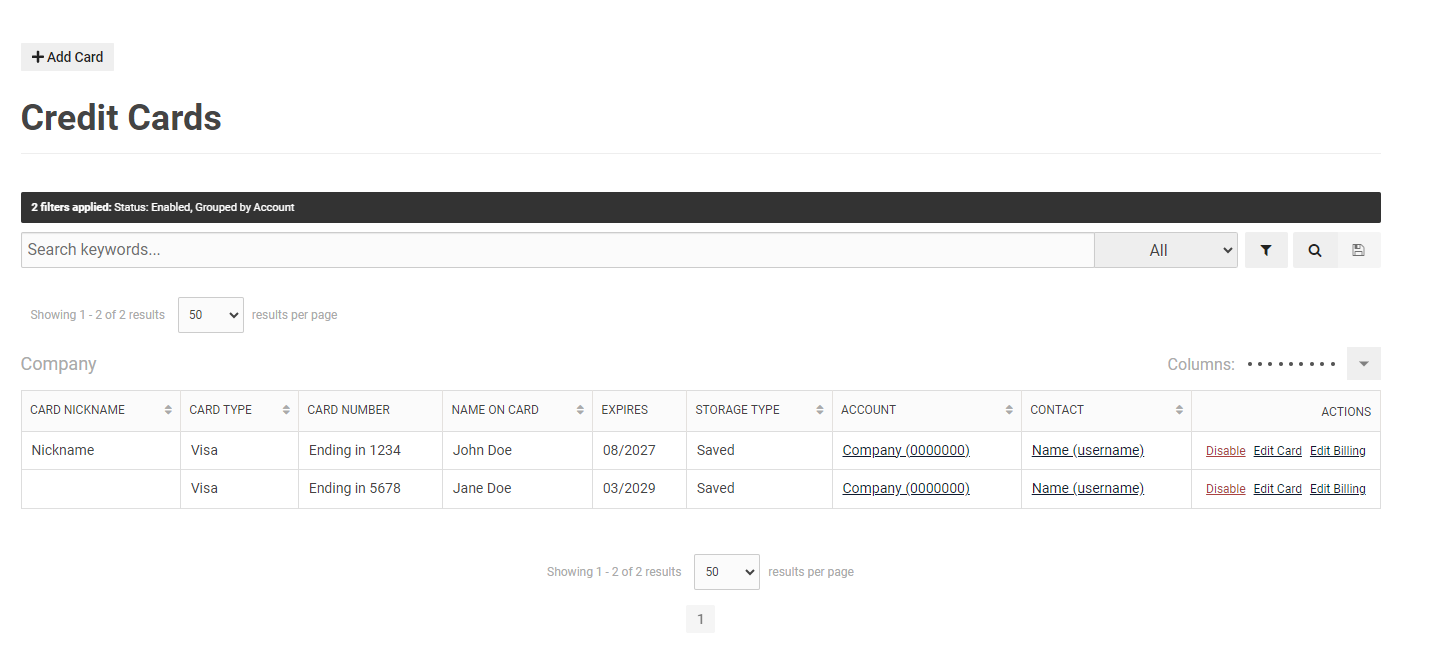
You can also add a new card or edit your existing card information by navigating to My Account -> Dashboard -> My Account (located at the bottom of the page) -> Saved Credit Cards.

You may see pending amount(s) for your payment card, but your card will not be charged until the order has gone through our internal order process. The final amount found in your Order Summary is subject to change if there are any shipping fees, customer credits, or customer-requested alterations associated with your order. An email receipt with be sent once the internal order process has been completed.
For our Due Upon Receipt customers, their payments will be preauthorized while awaiting completion of the invoice shipping process. This means that there will be a pending charge that shows up on their billing statement until final charges are calculated (i.e., freight, order modifications). Due Upon Receipt customers will need to preauthorize payment each time before placing an order. Customers with Net 30 terms or similar will be able to select Invoice with the option to pay at a later date, which is expanded upon in the next section.
Customers on net terms can pay for either one or multiple open invoices at a time. This can be accessed by going to the user dashboard and under the Payments and Credits section. Once a selection has been made, the customer can use a card in their wallet or add a new card to pay. The security code for the card is still required to proceed.

Once the payment has been processed, customers will be taken to a payment confirmation screen and will receive an email confirmation to the email address associated with the customer login information.

Invoices that have pending payments being processed through the website will be grayed out with pop-up alert message. Payments are typically processed within a couple business days, but are dependent on the customer bank.

There may be times where ordered items may be temporarily out-of-stock or on backorder. To create the shortest delay between customers placing and receiving website orders, Medical Wholesale may ship only the items currently available while we work to fulfill the entire order as soon as possible.
You will never be charged for items that are not ready to be shipped. Therefore, there may be circumstances where one or more pending transactions appear on your credit card statement that is greater than the remaining order value. Please be assured that the finalized transaction amount will be reflected on their associated invoices after the customer's issuing bank clears any pending charges.
Email confirmations are sent out upon successful payments made on the website. Emails will include the last four digits of the payment information, the customer account, customer login, memo notes (if applicable), and invoice(s) the payment was made to.

